
Download SoundTap Paid – Sound Recording, Audio Capture, Streaming Audio, Internet Radio, Webcast Recording, VOIP Recording, PC Audio Recorder
Overview
SoundTap Paid, developed by SoundTap, is a specialized audio recording tool designed for Windows users seeking to capture streaming audio with precision and clarity. The application is tailored for individuals who need to record audio from digital sources such as internet radio, live webcasts, and real-time VOIP conversations. Its primary purpose is to provide a reliable, no-frills solution for preserving audio content that would otherwise be lost once streamed. This makes it particularly valuable for students recording lectures, educators archiving instructional sessions, and professionals capturing important business calls or presentations.
While the developer did not provide additional technical details about the company’s background, the app’s functionality suggests a focus on utility and efficiency. The software operates directly within the Windows environment, leveraging system audio output to record sound without requiring external hardware. This makes it ideal for users who need a lightweight yet effective tool for audio documentation. Real-world use cases include preserving webinar content, saving podcast streams, or capturing voice communications during remote meetings.
Within the broader productivity ecosystem, SoundTap fills a niche gap for users who require high-fidelity audio capture without the complexity of full-featured audio editing suites. Its streamlined design and targeted functionality position it as a dependable utility for anyone needing to record audio from digital sources with minimal setup.
Key Features & Functionality
- Easy Audio Recording: SoundTap allows users to begin recording streaming audio with just a few clicks. The process is designed to be accessible even to those with limited technical experience, eliminating the need for complex configurations.
- High-Quality Output: The software maintains audio fidelity during recording, producing clear, distortion-free files suitable for professional or academic use. This ensures that recorded content remains usable for future reference or distribution.
- Supports Multiple Audio Sources: It can capture audio from a wide range of sources, including internet radio stations, live webcasts, and VOIP applications such as Skype. This versatility enhances its utility across different user scenarios.
- User-Friendly Interface: The interface is designed for intuitive navigation, enabling users to locate and operate recording functions quickly. There is no need for extensive tutorials, making it accessible to a broad audience.
- Targeted for Educators and Professionals: The app’s features are specifically aligned with the needs of students, teachers, and business users who rely on recorded audio for learning, documentation, or communication.
For example, a teacher might use SoundTap to record a live online class for later review by absent students. A business professional could capture a virtual meeting to share with colleagues who were unable to attend. These real-world applications highlight how the app’s core functionality translates into tangible benefits across educational and corporate environments.
Interface, UX & Performance
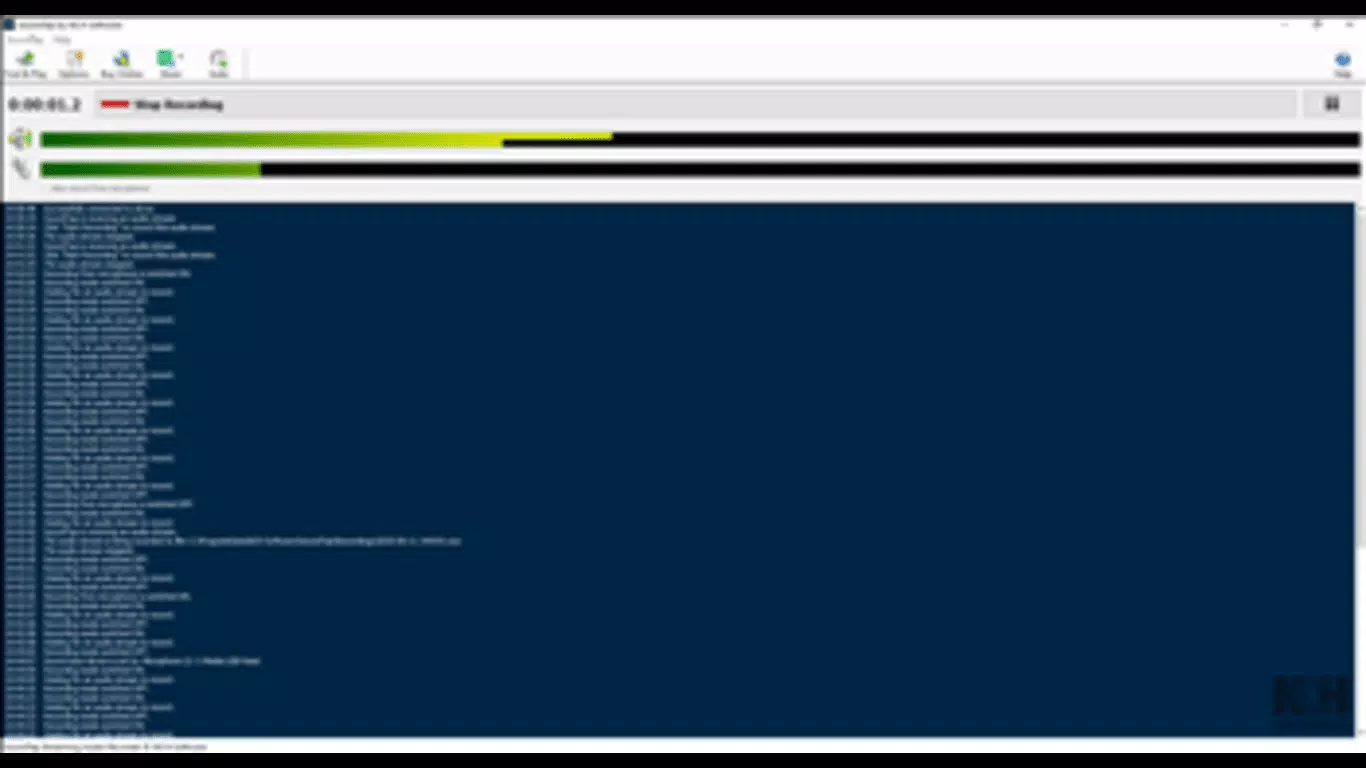
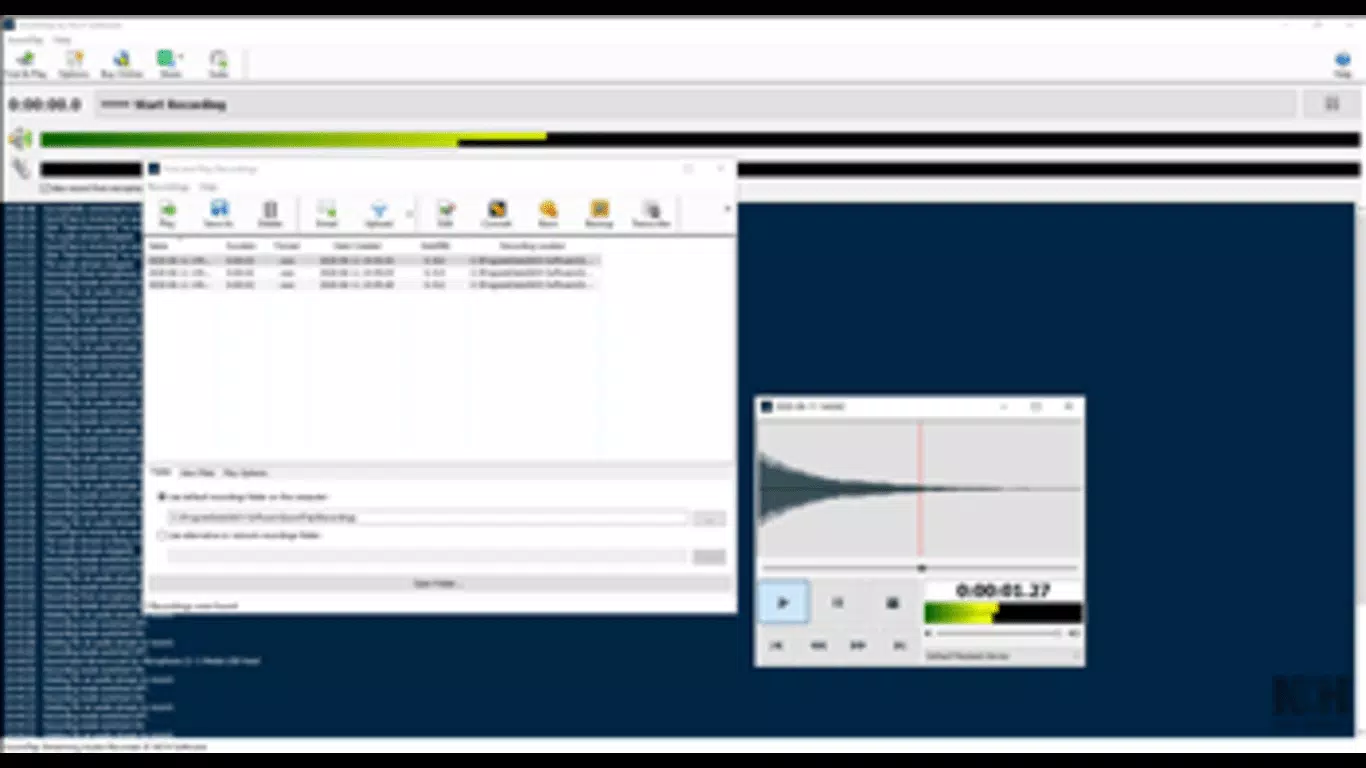
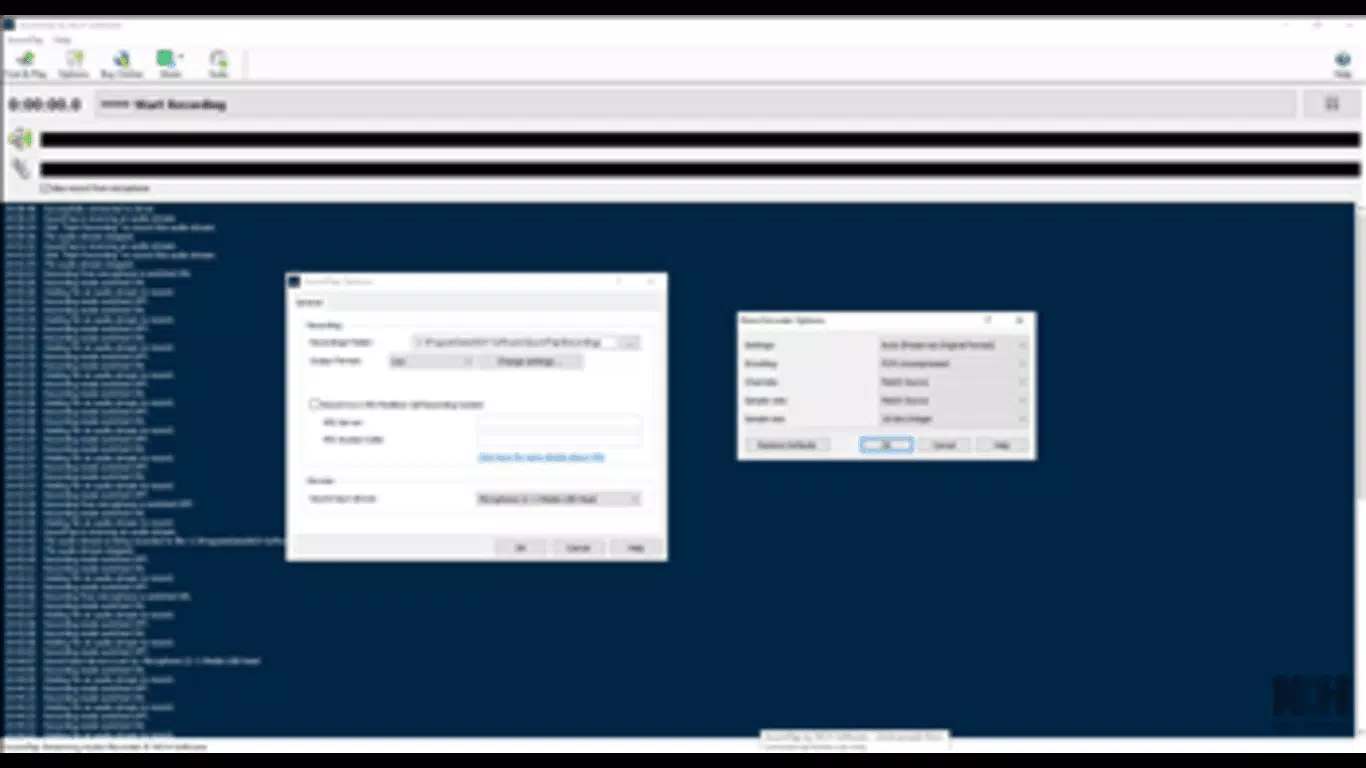
SoundTap Paid features a clean, minimalistic interface that prioritizes functionality over visual flair. The layout is straightforward, with primary controls—such as the record button and source selection—placed prominently for quick access. Navigation is intuitive, allowing users to start and stop recordings with minimal effort. The design avoids clutter, focusing on essential features to reduce cognitive load.
Although the developer did not list formal performance metrics, the app’s lightweight footprint of 1.3 MB suggests efficient resource usage. This indicates that it is likely to run smoothly on a range of Windows devices, including those with modest hardware specifications. The application responds promptly to user input, with minimal lag between command and execution.
Stability appears to be a core design principle, as the software is intended for uninterrupted recording sessions. Users can expect consistent performance during extended captures, such as long webcasts or multi-hour meetings. While specific compatibility details were not disclosed, the app is built for the Windows platform and functions as a system-level audio recorder.
Platform Compatibility & Technical Requirements
SoundTap Paid is designed for the Windows operating system. The current version is 3.1.2, with a file size of 1.3 MB. This compact size indicates a lightweight application that does not impose significant storage demands.
The developer did not specify minimum OS requirements or compatibility details beyond the platform. As such, users should verify whether the app supports their specific Windows version. Compatibility information was not fully disclosed, so installation on older or newer Windows editions may require additional testing.
Pros and Cons
Pros
- Effortless recording of streaming audio with minimal setup
- High-quality audio output suitable for professional and academic use
- Supports diverse audio sources including internet radio, webcasts, and VOIP apps
- Intuitive interface designed for users of all technical skill levels
- Compact file size ensures low system resource usage
Cons
- Platform is limited to Windows; no support for macOS or mobile devices
- Specific system requirements were not listed
- Price point of $49.95 may be considered high for casual users
- Developer did not provide information about update frequency or support channels
- No built-in editing or file management tools included
FAQ
Is SoundTap Paid available for mobile devices?
SoundTap Paid is designed exclusively for the Windows platform. There is no mobile version available for Android or iOS at this time.
Can I record audio from Skype using SoundTap Paid?
Yes, SoundTap Paid supports recording from VOIP applications such as Skype, allowing users to capture real-time voice conversations.
Is the app secure to download and install?
As a tool developed by SoundTap, the application is intended to be secure for use on Windows systems. However, users should always download from official sources to avoid unauthorized modifications.
How often does SoundTap Paid receive updates?
The developer did not disclose the update frequency. Users should check the official website for the latest version and release notes.
Does SoundTap Paid support audio editing?
SoundTap Paid focuses solely on recording audio. It does not include built-in editing features such as trimming, fading, or effects processing.
Final Thoughts
SoundTap Paid stands out as a focused, high-performance tool for anyone needing to capture streaming audio on Windows. Its ability to record from diverse sources with minimal effort and high fidelity makes it a valuable asset for educators, students, and professionals. While it lacks mobile compatibility and advanced editing tools, its simplicity and reliability are significant strengths.
For users who prioritize clarity, ease of use, and consistent performance in audio capture, SoundTap Paid delivers a strong value proposition. It is especially well-suited for those who frequently engage with online audio content and need a dependable recording solution.
Download SoundTap Paid now


